
- After logging in, click on “Post Testimonial”

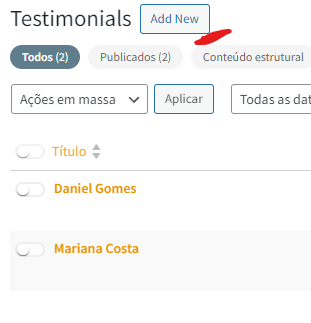
- Click on "Add new"
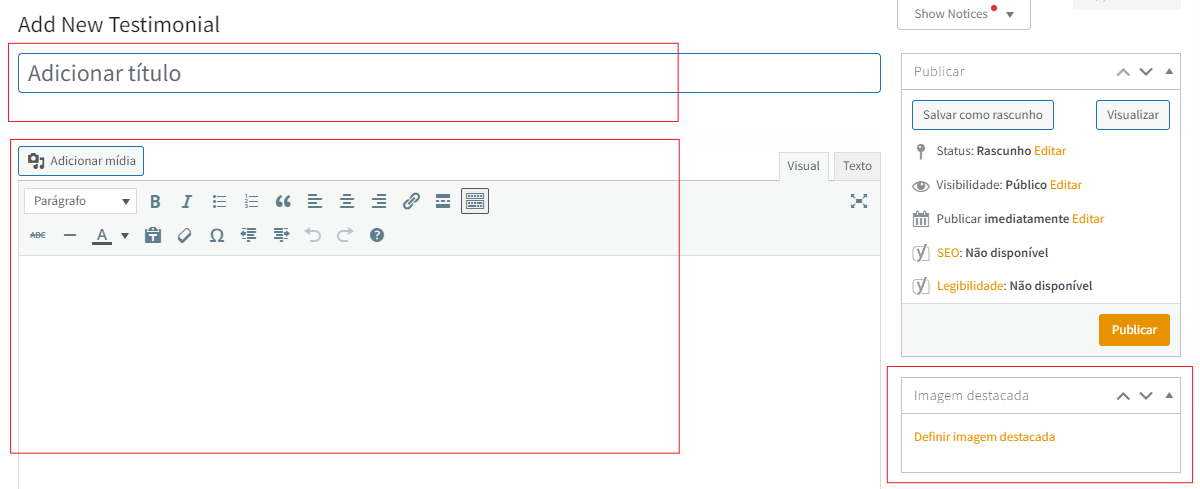
- Choose a title and start editing, see where to add each item indicated by the colors in the image:
Title: Enter the name of the person or company giving the testimonial.
Testimonial Body: In the text editor, write the testimonial. You can also format the text here.
Image: Some layouts allow you to add an image, such as a photo of the testimonial author, using the “Set featured image” option.
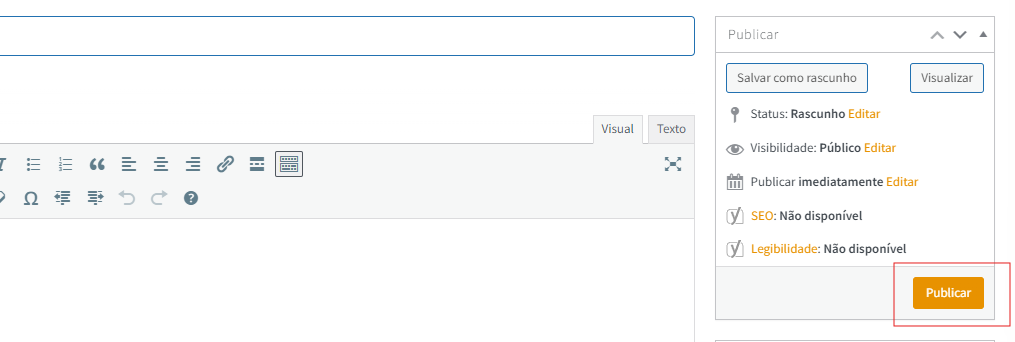
All ready, now you can publish!