

* Only Administrator Users can update
1. Upload the File
Before adding the file to the website, you need to upload it to the media library.

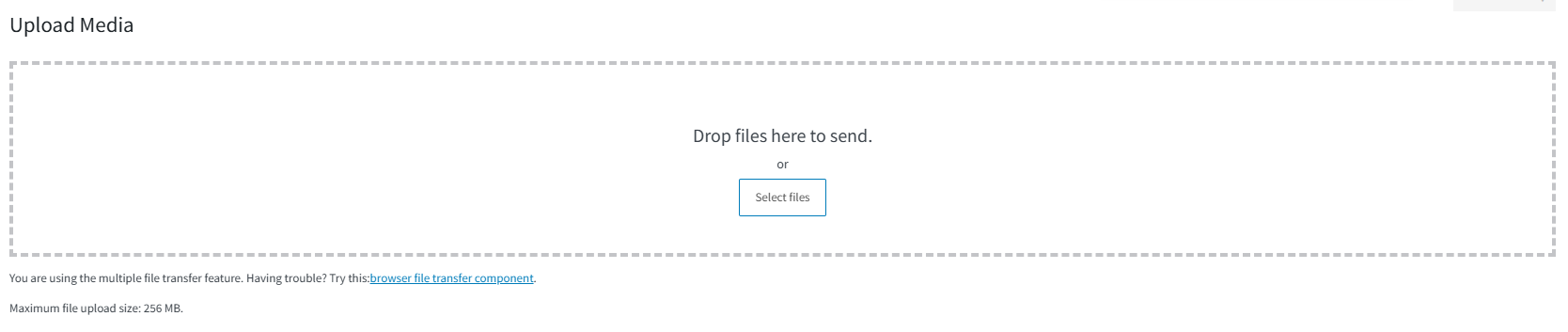
Step by Step
- In the Admin Dashboard, go to:
Media → Add New - Click on:
Select Files - Choose the PDF or document from your computer
- After the upload is complete, click on the file
- Copy the:
File URL
Example
"https://yourwebsite.com/wp-content/uploads/2026/05/file.pdf"
2. Add the File to the Button
Now let's add the file to the button.
Step by Step
- Open the page with Elementor
- Select the button where you want to add the file
- In the Link field, paste the file URL
3. Saving Changes
- After entering the link, simply click the "Update" button to save your changes.