
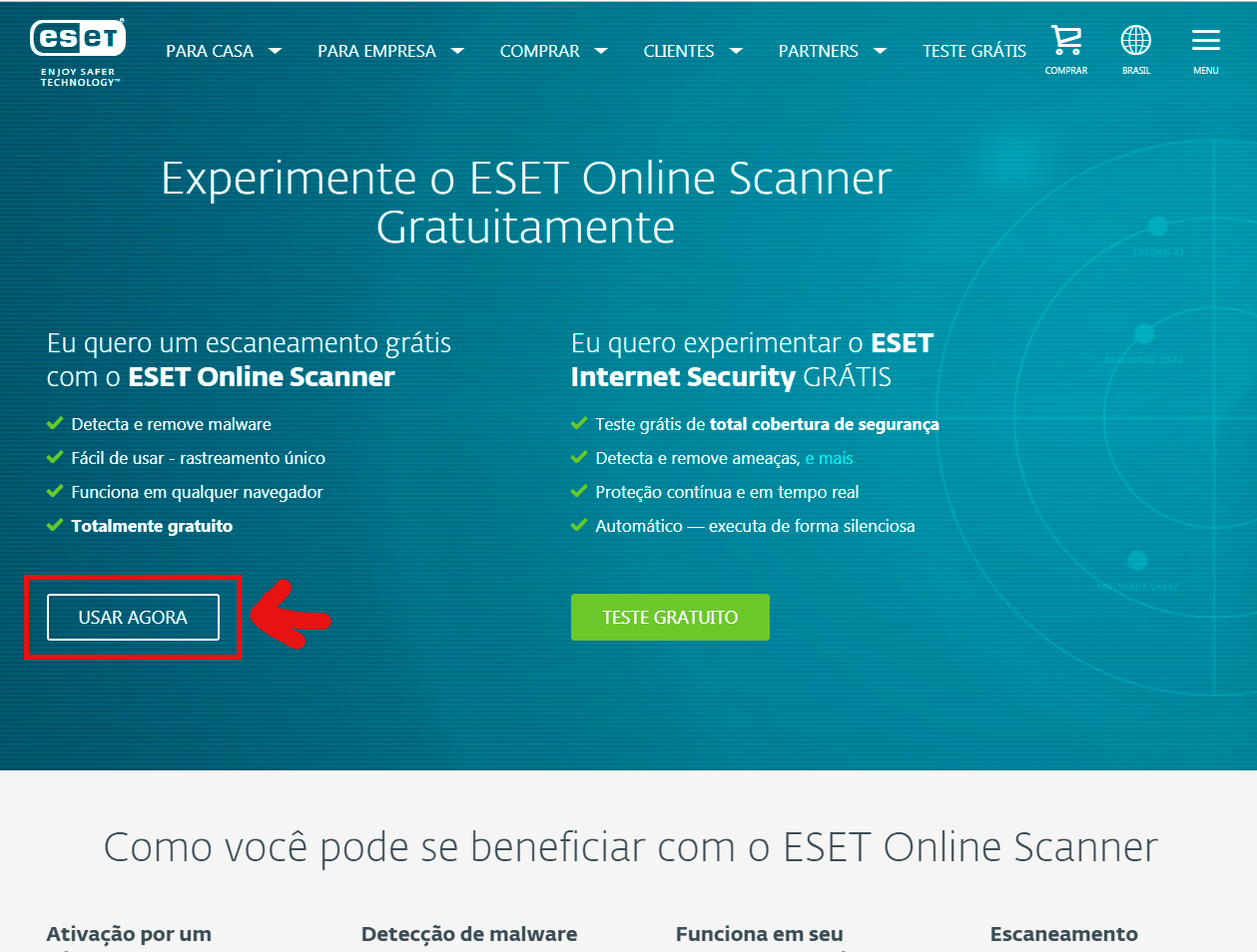
Step 1 - Upon opening the ESET Online Scanner Website, click USE NOW.
https://www.eset.com/br/antivirus-domestico/online-scanner/
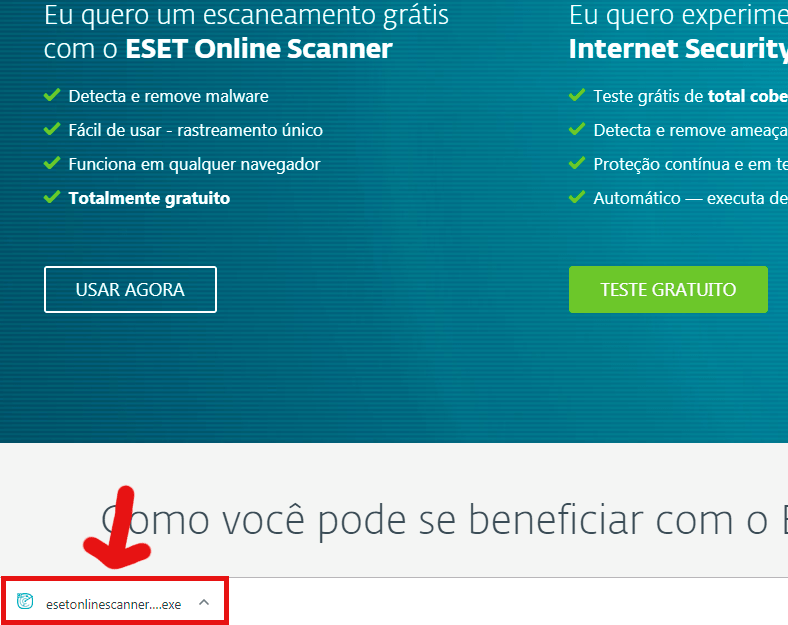
Step 2 - Run the installer that appeared in the lower left corner.
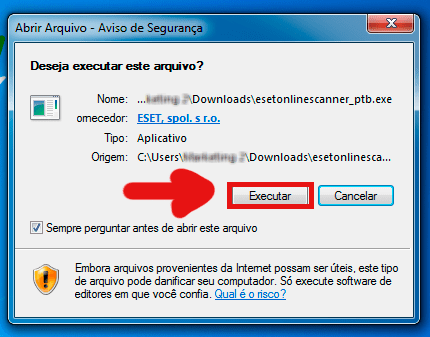
Step 3 - Click Run.
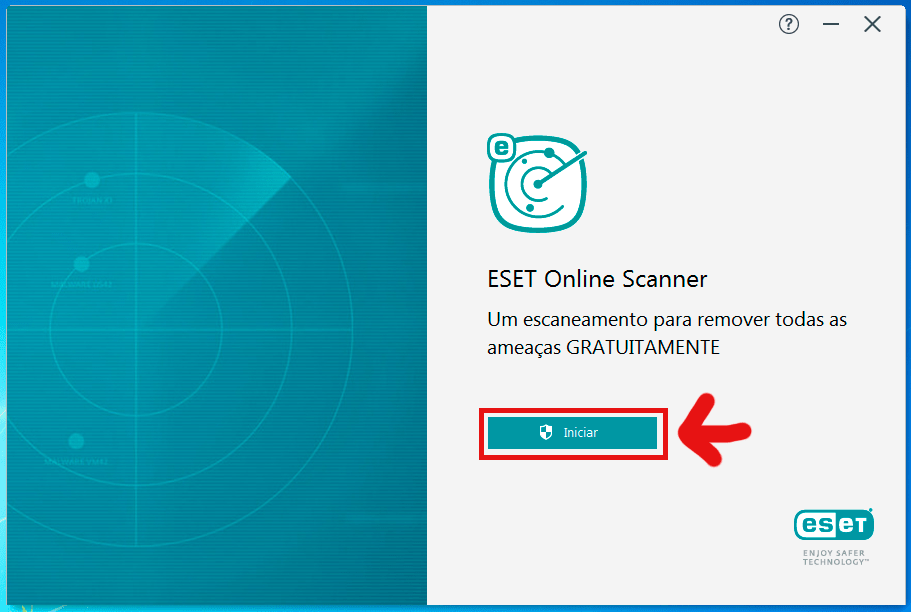
Step 4 - Click Start.
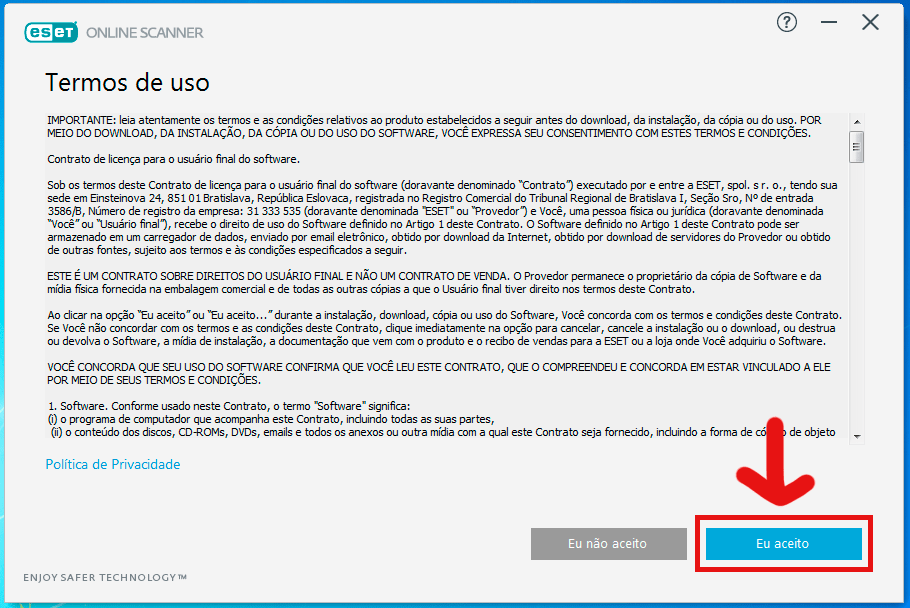
Step 5 - Click I Accept.
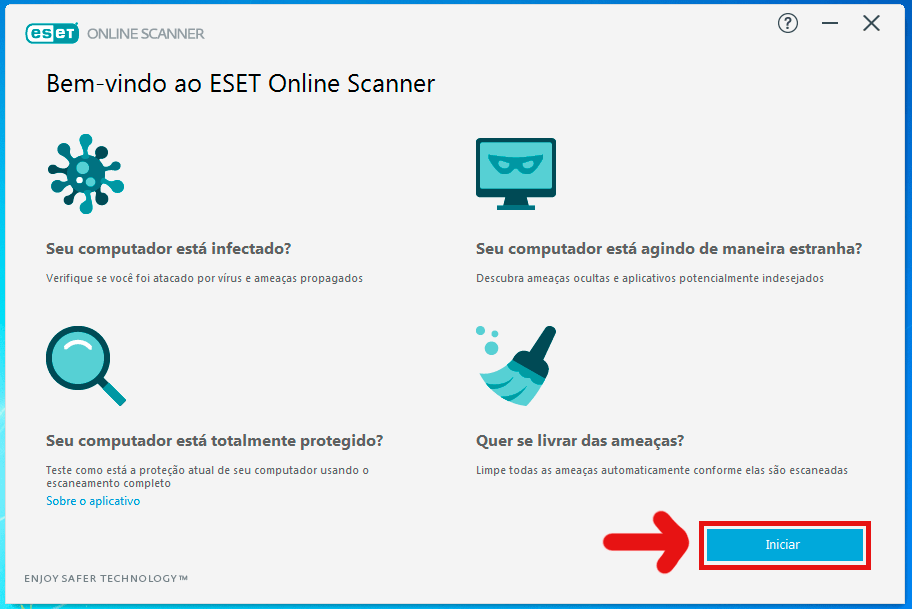
Step 6 - Click Start.
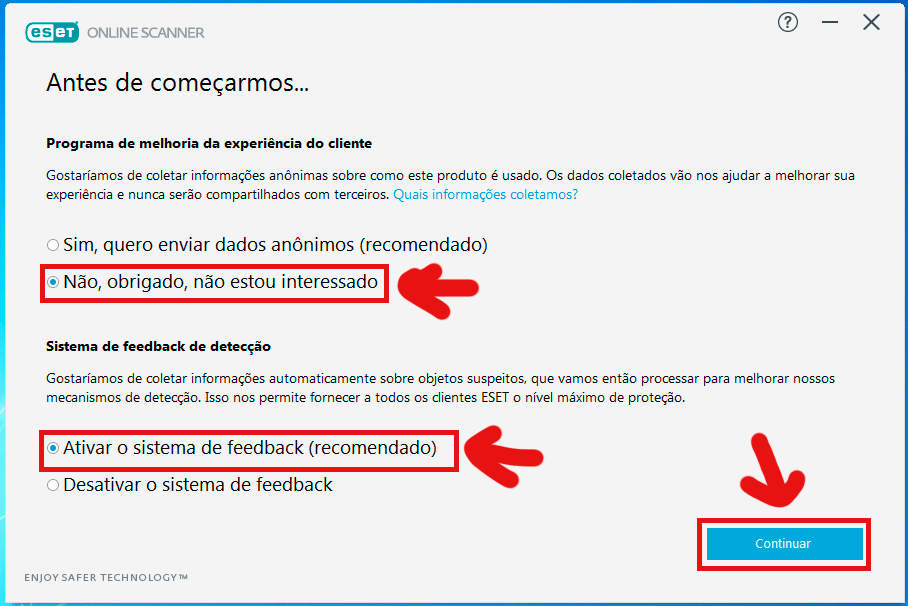
Step 7 - Select the options "No thanks, I'm not interested" and "Turn on feedback system". After selecting, click Continue.
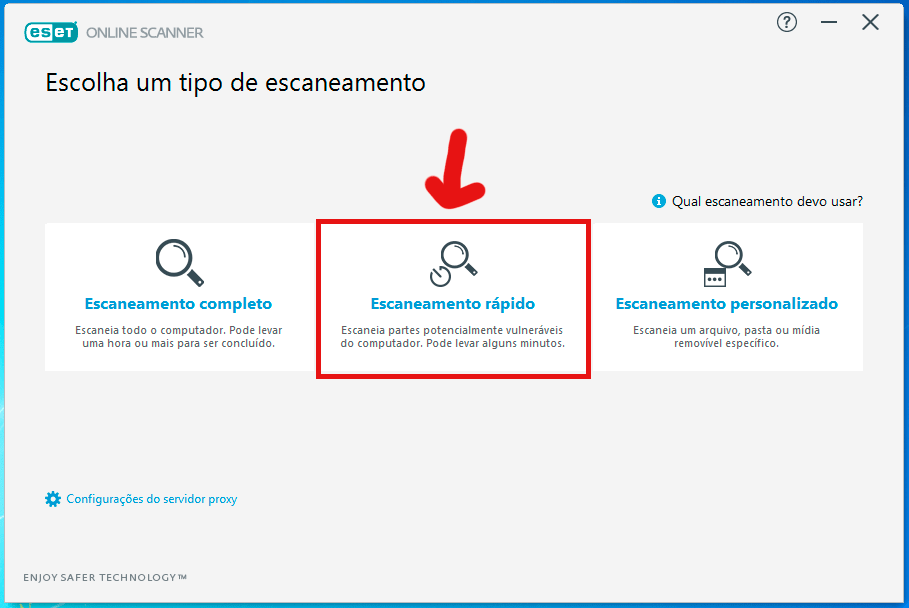
Step 8 - Select the Quick Scan option.
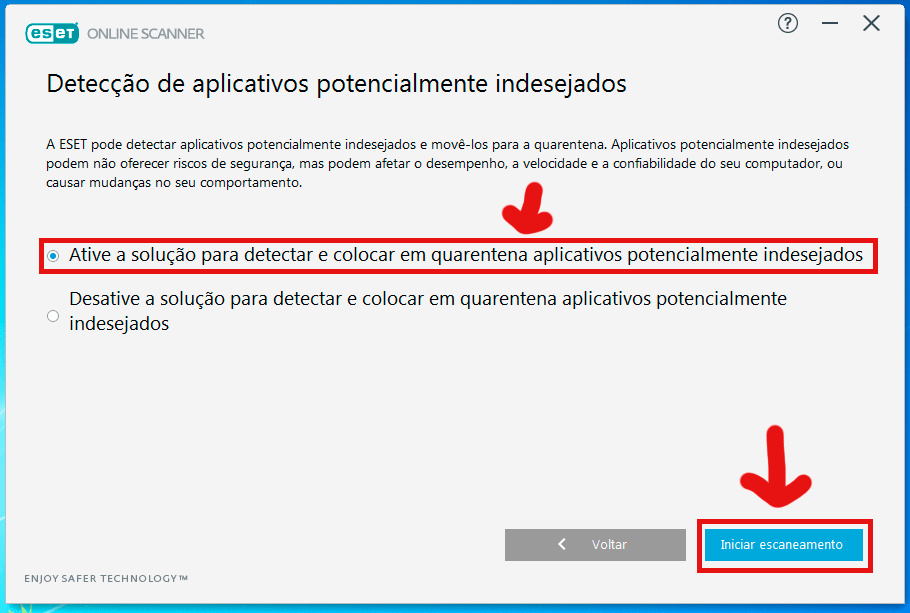
Step 9 - Select the option "Enable the solution to detect and quarantine potentially unwanted applications". After selecting, click Start Scan.
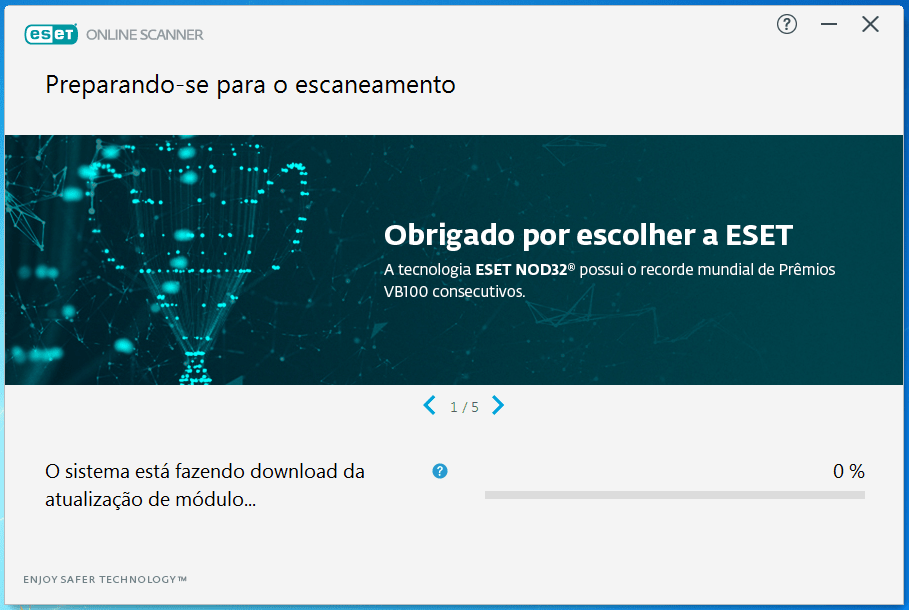
Step 10 - Wait for the program to download the module update.
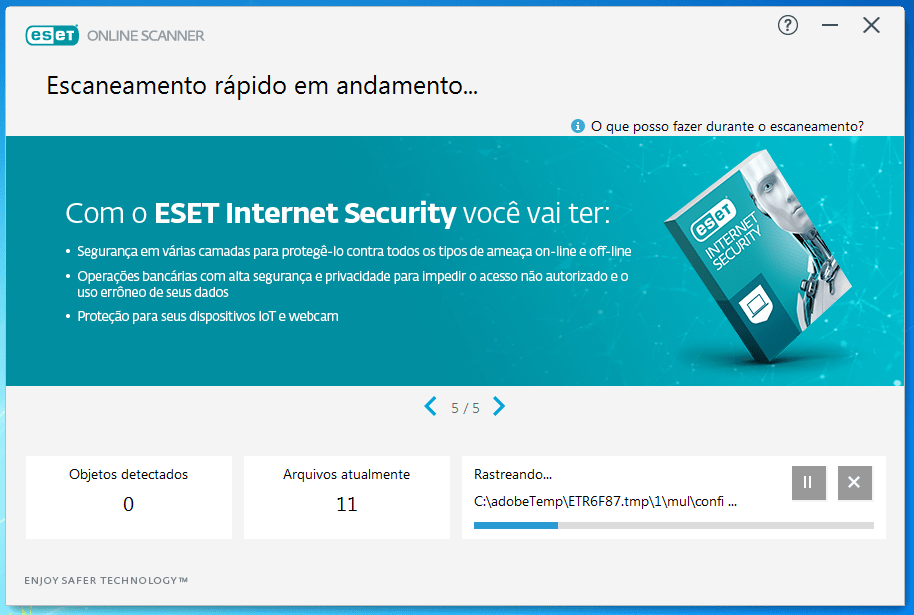
Step 11 - Wait for the program to scan.
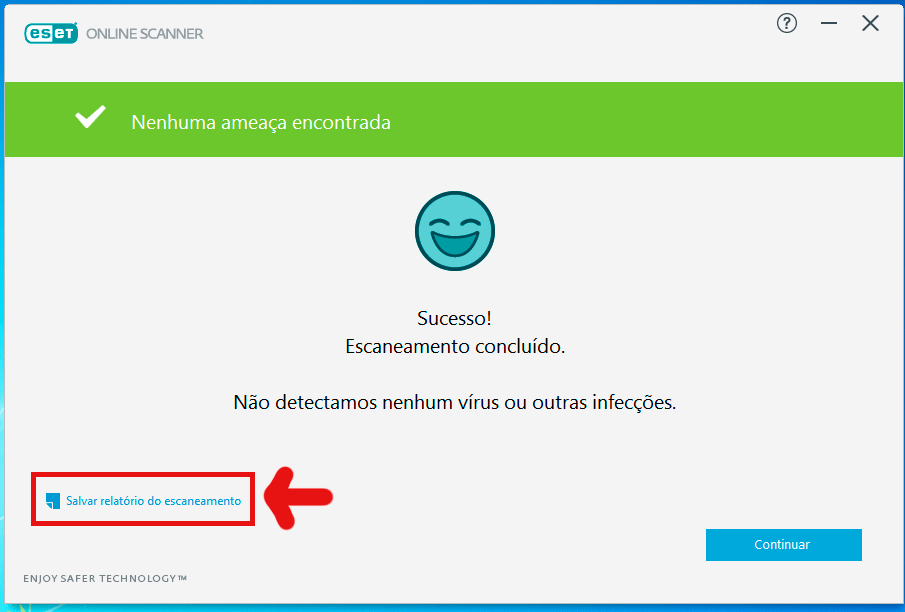
Step 12 - After the program completes the scan, click Save Scan Report.
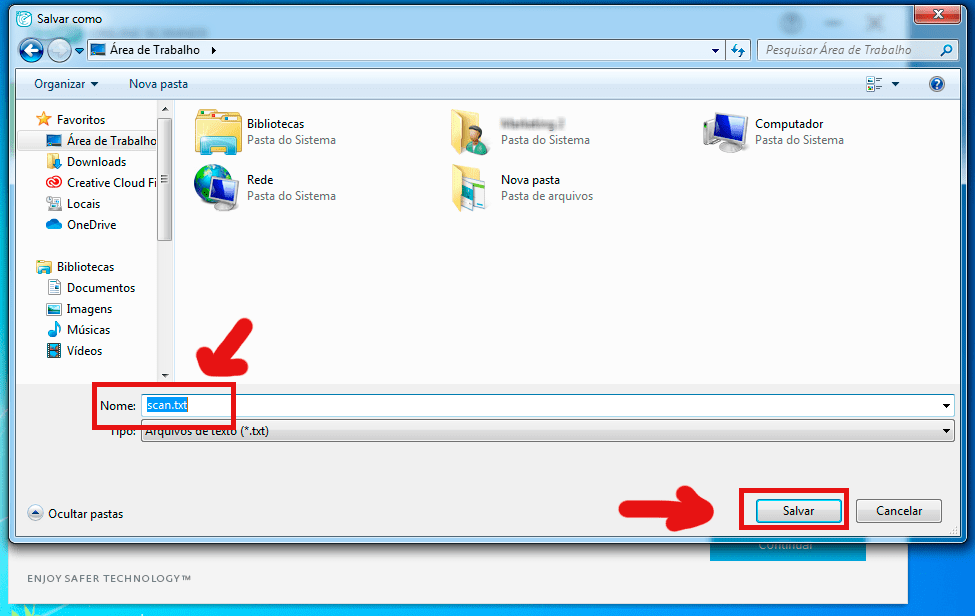
Step 13 - Name the txt file "scan1" and click Save. NOTE: Save to an easily accessible location on the PC, such as the desktop.
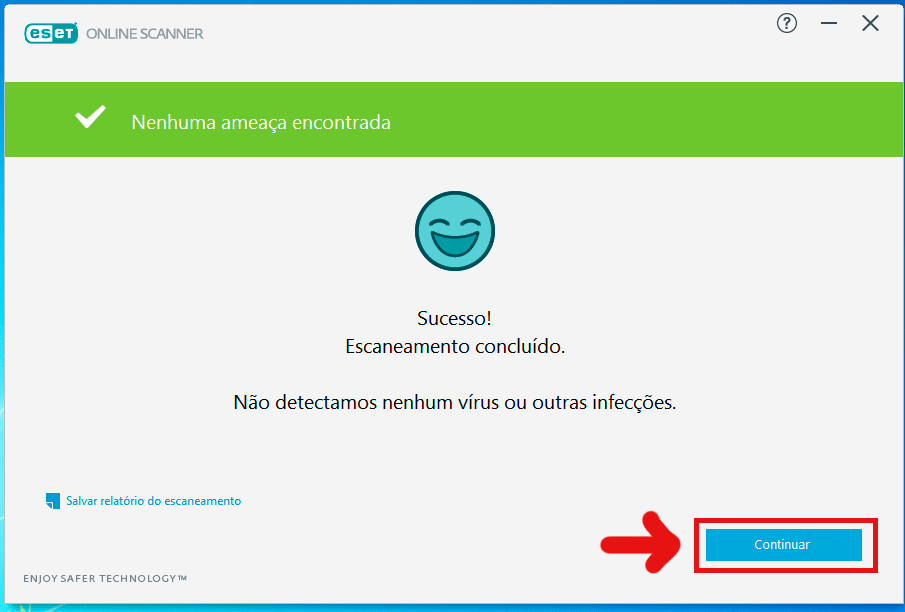
Step 14 - Click Continue.
Step 15 - Click Continue.
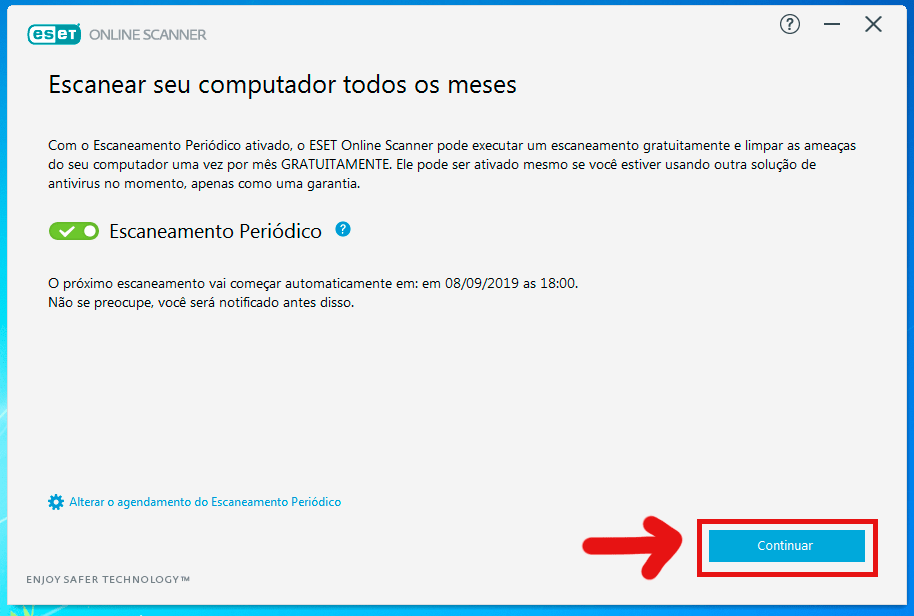
Step 16 - Click Continue again.
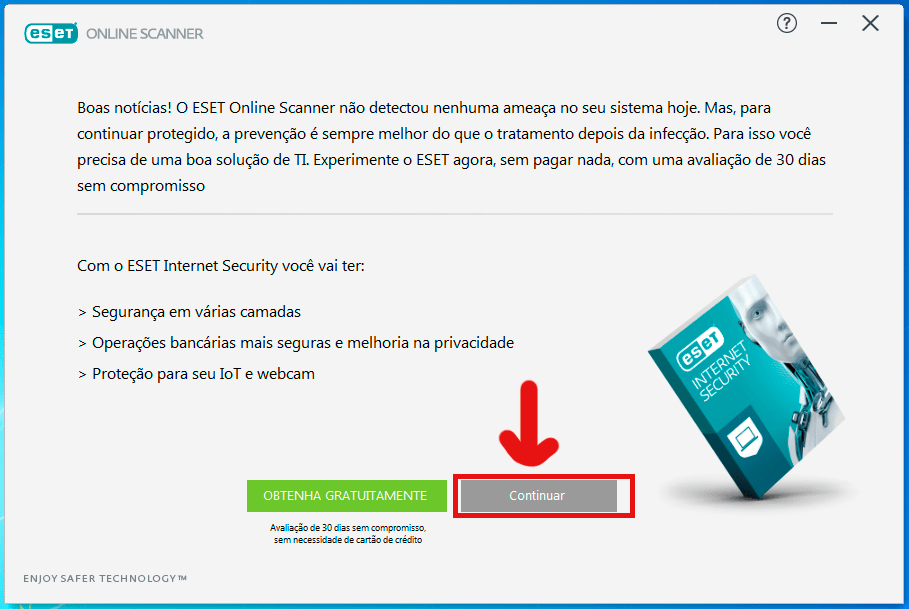
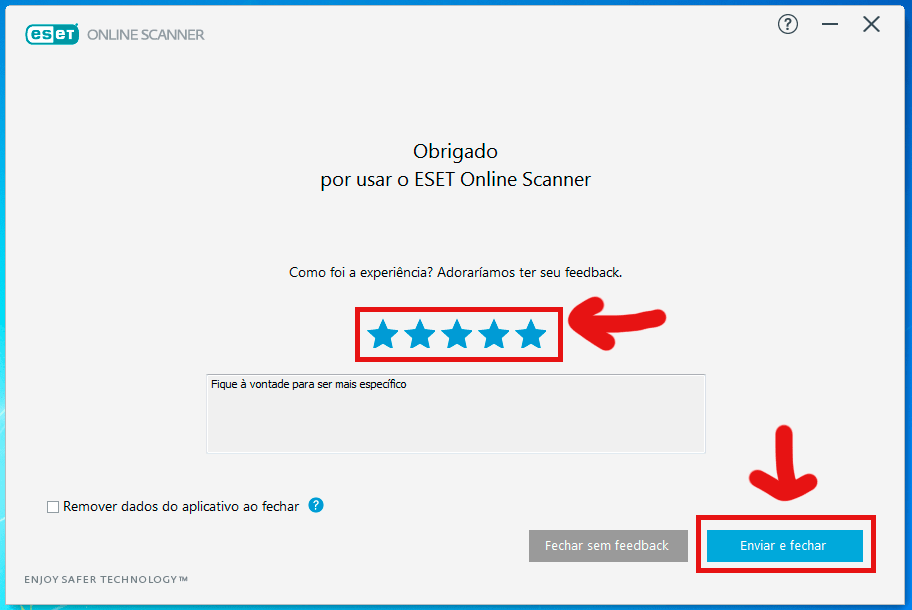
Step 17 - Rate the program and Click Submit and close. After that, send us the txt log file "scan1" created.